

M880シリーズ用アプリをダウンロード
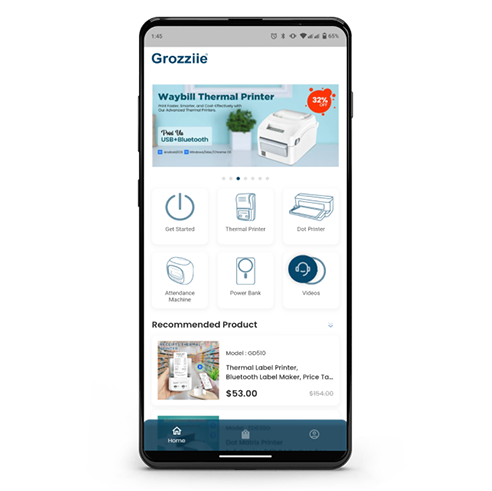
Androidモバイルアプリをダウンロード
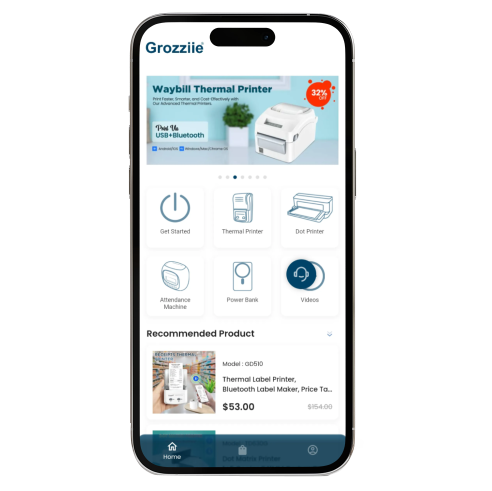
iOSモバイルアプリをダウンロード

Bluetooth出席管理機のインターフェース | リボンの位置設定
Grozziieアプリのダウンロードとインストール方法 | 優先言語の設定
Bluetooth出席管理機でアプリを接続してパスワードを設定する方法
アプリでBluetooth出席管理機を設定する方法
アプリでBluetooth勤怠管理機の列位置を設定する方法
リボンの交換方法
Timoziaタイムクロックマシンのその他の設定オプション
出勤・退勤時間を手動で印刷する方法
給与期間または給与計算の設定
アプリで給与ルールを設定する方法
アプリで残業ルールを設定する方法
延滞金と早期控除を設定する
アプリで給与ルールの条件を設定する方法
スキャンモードと印刷枠オプションの使い方
従業員の給与明細書を作成する方法
従業員リストの追加と管理方法
従業員の給与明細を監視する方法
従業員の給与明細書の印刷方法
Timoziaカスタマーサポートへのお問い合わせ方法

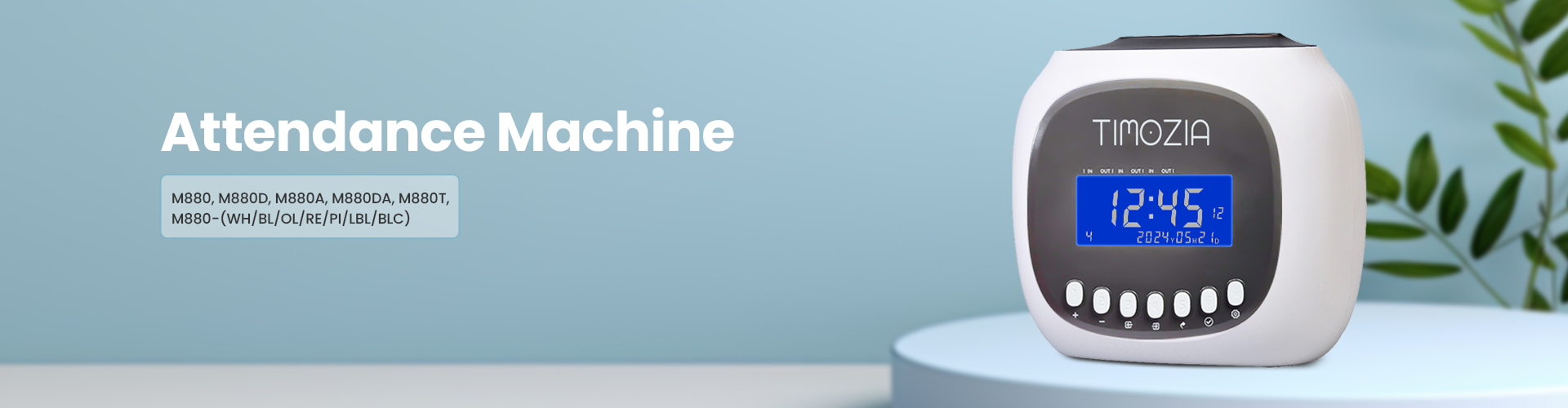
出退勤管理機の基本紹介
出退勤管理機のパスワード変更方法
出退勤管理機の技術情報
勤怠管理機に現在の日付を設定する
勤怠管理機で現在時刻を設定する
勤怠管理機で勤務シフトを設定する方法
出勤簿記録機の手動打刻設定方法
出勤時間と退勤時間を手動で設定して印刷する
出勤簿記録機のパンチカードの表裏識別
機械の印刷位置を設定する方法
勤怠管理機のアラーム設定方法
出勤簿管理機でテストページを印刷する方法
勤怠管理機のリセット方法
勤怠管理機のカラー印刷設定方法
勤怠管理機のリボンの交換方法


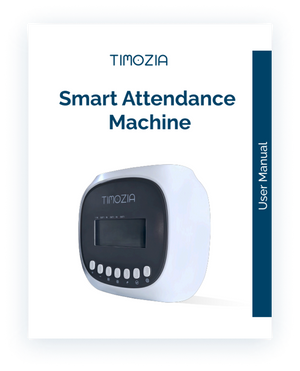
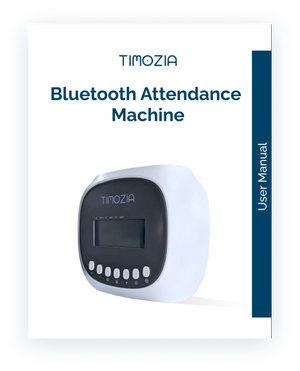
プリンターのユーザーマニュアルを読む
Let customers speak for us
I love how easy it is to attach the magnetic ring to my Android phone. It instantly made my phone compatible with wireless charging. Super innovative feature!

Wireless charging was a hassle for me before, but not anymore. Thanks to this power bank’s magnetic feature, charging is now smooth and easy!
The magnetic transformation kit is such a smart addition! I was able to convert my regular phone cover into a magnetic one within minutes. Now, wireless charging is super easy and convenient for me.
I bought this printer two weeks ago for my Amazon business. It works perfectly. The printing was very smooth and clear. The app is user-friendly, and it is easy to connect with the printer. Both mobile and Mac work perfectly.❤️

Today I buy this power bank it's feature and function is too good. I personally recommend this.😍❤️